Tableau Forensic TD4: USB to SATA Acquisition
Standalone forensic duplication lab using the OpenText Tableau TD4: configuring case data and hashing, verifying source and destination, running the duplication, and reviewing the job history.
Objective
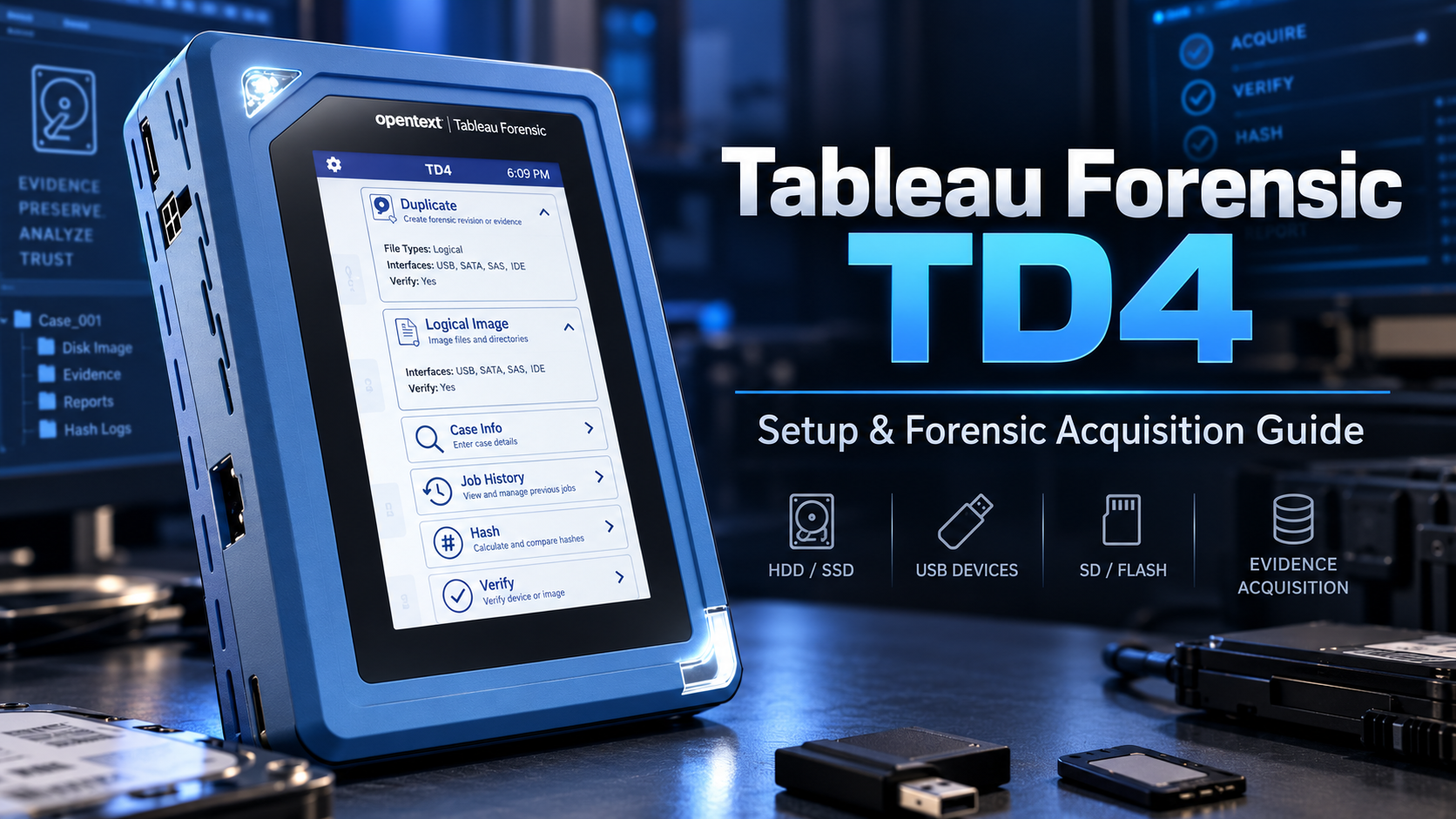
This lab demonstrates how I used the OpenText Tableau Forensic TD4 to acquire data from a Kingston USB drive and create a forensic image on a SATA hard disk.
1. Prepare the TD4
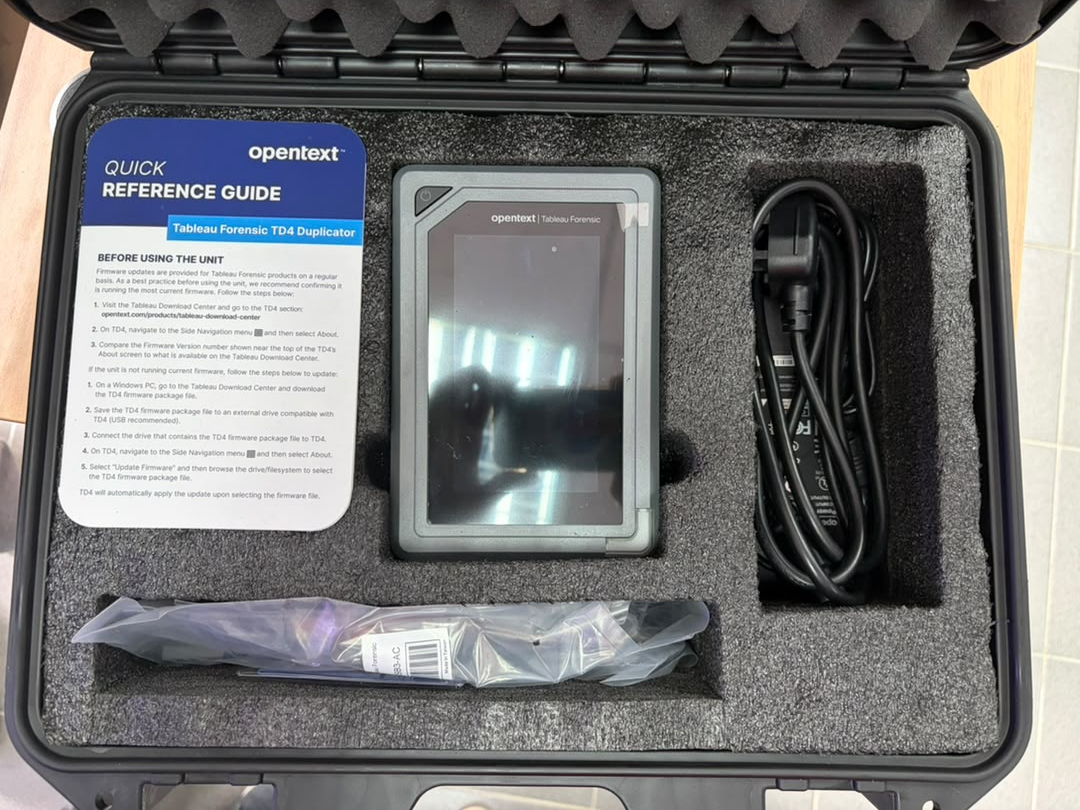
I powered on the TD4 using the supplied power adapter and waited for the main interface to load.
The case information was configured:
-
Case ID: A01
-
Case Notes: Kingston
-
Hash: MD5 and SHA-1
2. Connect the Source
The Kingston USB drive was connected to the USB source port.
The TD4 detected:
-
Vendor: Kingston
-
Model: DataTraveler 3.0
-
Size: 61.9 GB
-
Filesystem: exFAT
-
Partition scheme: GPT
I verified this information before continuing.
3. Connect the Destination HDD
A Seagate Barracuda 7200.12 250 GB SATA HDD was used as the destination.
The HDD was connected using:
TD4 SATA 1 ── SATA Data ──> HDD
TD4 Power  ── SATA Power ─> HDD
The TD4 successfully detected the disk as approximately 250 GB, with a FAT filesystem shown on the interface.
4. Start the Acquisition
From the TD4 interface I selected the imaging/duplication operation and confirmed:
SOURCE      → Kingston DataTraveler
DESTINATION → SATA HDD
This check is critical because accidentally reversing the devices could overwrite evidence.
The acquisition was then started.
5. Monitor Duplication
The TD4 displayed live acquisition information.
Example from my lab:
Task: Duplication
Rate: ~70.1 MB/s
Estimated Time: ~27 minutes
Hashes: SHA-1, MD5
Case ID: A01
The TD4 performed duplication and verification while calculating the selected hashes.
6. Review Job History
After acquisition, I opened Job History.
The TD4 recorded operations including:
-
Logical Image
-
Duplication
-
Hash
-
Source device
-
Case ID
-
Job status
Completed jobs were indicated by a green status bar.
Forensic Workflow
Power TD4
   ↓
Create Case
   ↓
Connect USB Evidence
   ↓
Verify Source
   ↓
Connect SATA Destination
   ↓
Verify Destination
   ↓
Configure Hash
   ↓
Start Acquisition
   ↓
Monitor Duplication
   ↓
Verify Image
   ↓
Review Job History
Conclusion
The Tableau TD4 provides a dedicated forensic acquisition workflow without requiring a workstation. In this exercise, I successfully connected a Kingston USB source and SATA destination HDD, configured case information and hashing, performed duplication, and reviewed the resulting job history.
The most important forensic principle during this process was ensuring that the original USB remained the source and the SATA disk remained the destination, while preserving acquisition records and hash information for evidence integrity.
Credits and Acknowledgements
Special thanks to Sir Hafiz, my TTO who teaches Digital Forensics and Incident Response (DFIR), for guiding me through the forensic acquisition process and teaching me how to use the Tableau TD4 correctly.
I would also like to thank my friends Adeeb Uzair and Irfan Hanif for helping me with the physical setup, cable connections, source/destination verification, and overall TD4 acquisition process.
Their guidance and assistance made it much easier for me to understand how a real forensic acquisition workflow is performed in practice.
Related Writeups

Authorized security practice only. These notes are for lab, CTF, and explicitly permitted environments.